Explore our Virtualization — jump to the detailed overview.
Filter
Product status
All products in category2
Product
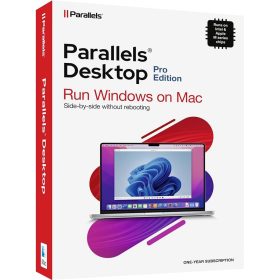

Virtualization — run multiple OSes, test safely, scale efficiently
Whether you’re spinning up Windows on a Mac with Parallels Desktop or hosting VMs with Hyper-V, virtualization helps SMBs and home users cut hardware costs, isolate workloads and test changes without risk. All offers are original digital licenses delivered by email for quick activation.
Popular virtualization tools — quick comparison
| Product | Best for | Devices / Term |
|---|---|---|
Parallels Desktop 20 Standard (Mac) |
Run Windows/Linux on Mac; seamless integration for daily apps | 1 device / 1 year |
Microsoft Windows 10 Pro |
Built-in Hyper-V host for developer/test VMs on PC | 1 device / lifetime |
Windows Server 2019 Essentials (16-Core) |
SMB server with rights to run up to two Hyper-V VMs | Core-based / lifetime |
Tips for choosing
- On Mac and need Windows apps? Pick Parallels Desktop 20.
- Need a local lab for testing on PC? Use Windows 10 Pro with Hyper-V.
- SMB server + virtualization rights? Windows Server 2019 Essentials.
Related categories: Data Backup/Recovery • Utilities • Microsoft Windows
Digital license — you receive an official activation key by email for fast, secure activation. More info: Information & FAQ.